
QR Codes enable library users to gain smart access to Library Facilities, Services, and Resources via mobile phones.
How to Use/Scan QR Codes
- ConnectivityEnable NISER Wi-Fi or Internet Access on your mobile device.
- App SetupDownload a QR code reader/scanner app from the app store and install it on your phone. Examples include QR Code Scanner, QR Code Reader, or Neo Reader QR & Barcode Scanner.
- Scan & GoOpen the installed app and scan the QR code to gain access to the resources.
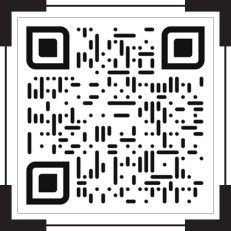
Website
Central Library Website
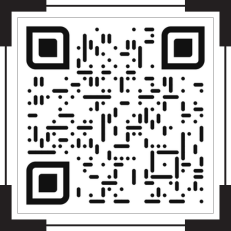
Catalog
Web OPAC
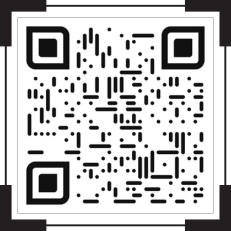
Repository
IDR
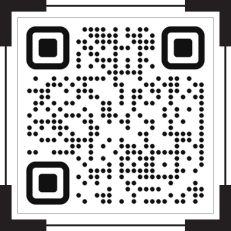
Profiles
IRINS Faculty Profiles
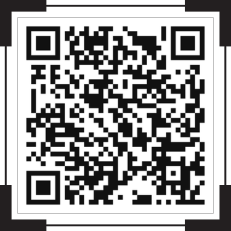
Updated Weekly
New Arrivals
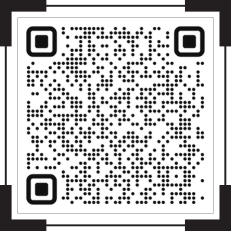
Request Service
Document Delivery Service
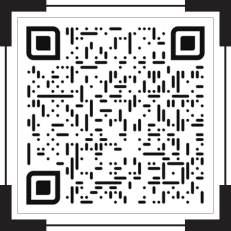
By Discipline
Subject Guide
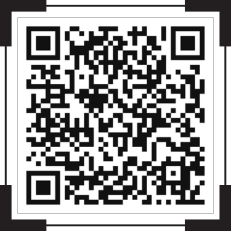
How-To
User Guide
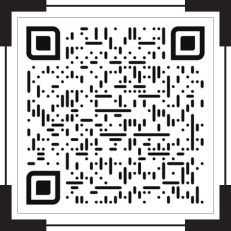
1000+ Titles
E-Journals (A-Z)
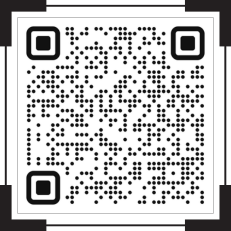
Remote Access
NISER Web VPN
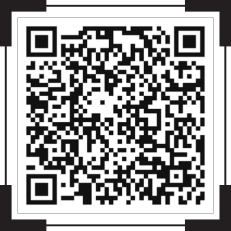
Free Resource
OER
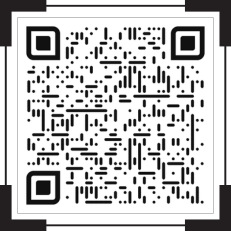
Courses
E-Learning Portals
PDF Download
Library Brochure
Join Now
NDLI Club Sign-up
Writing Tool
Grammarly
Plagiarism Check
iThenticate
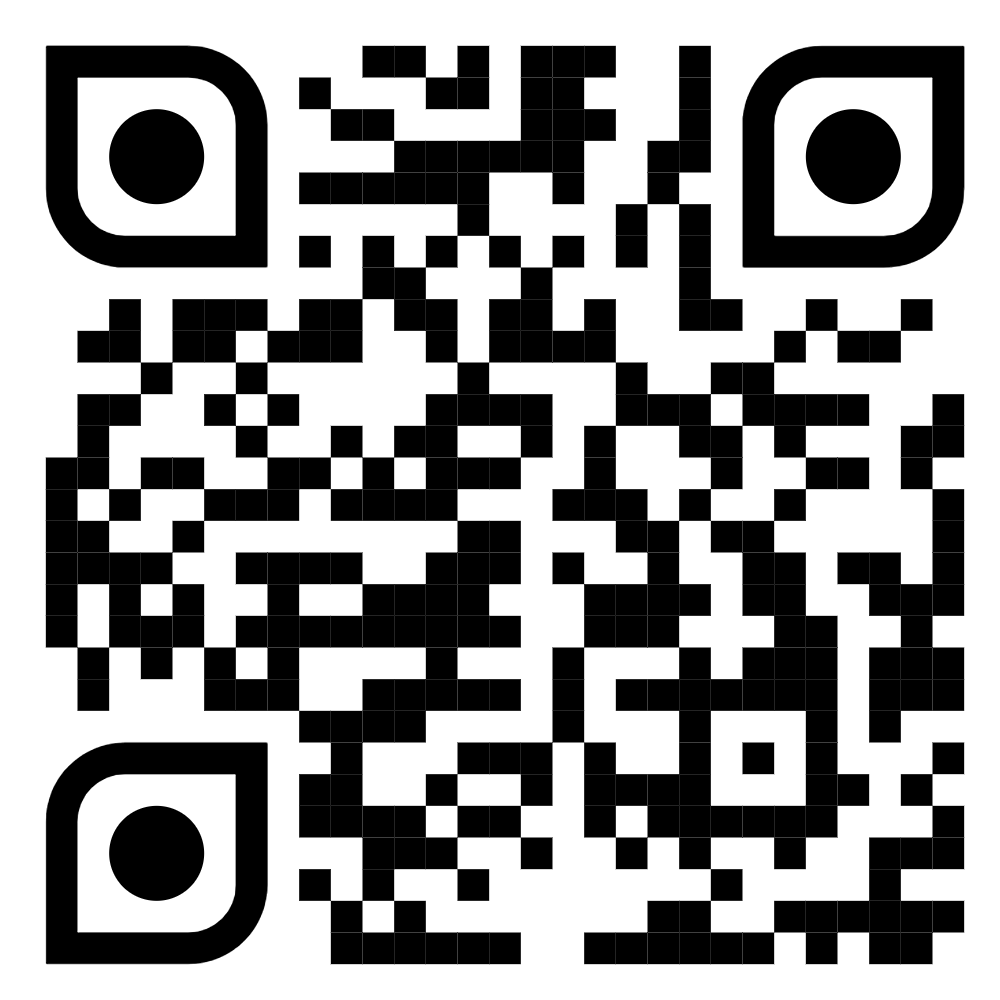
Govt Portal
ONOS
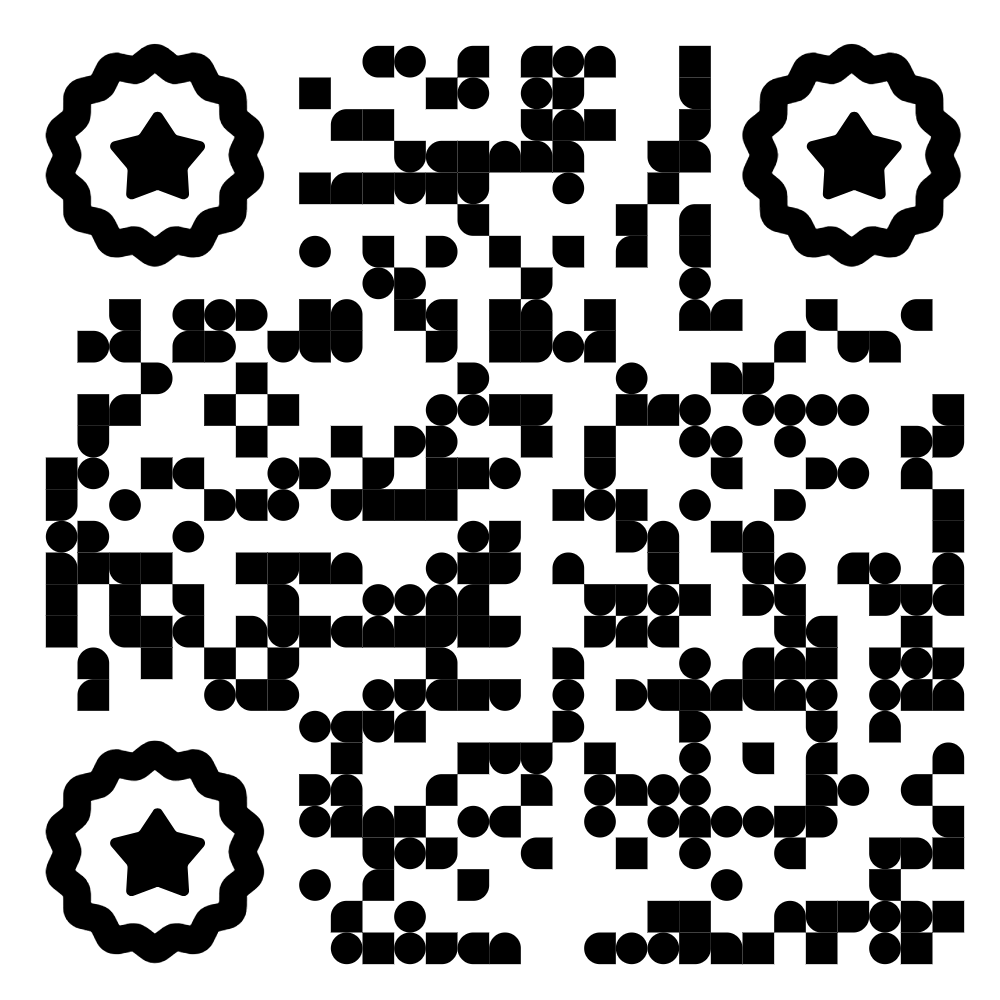
Faculty Output
NISER Publications
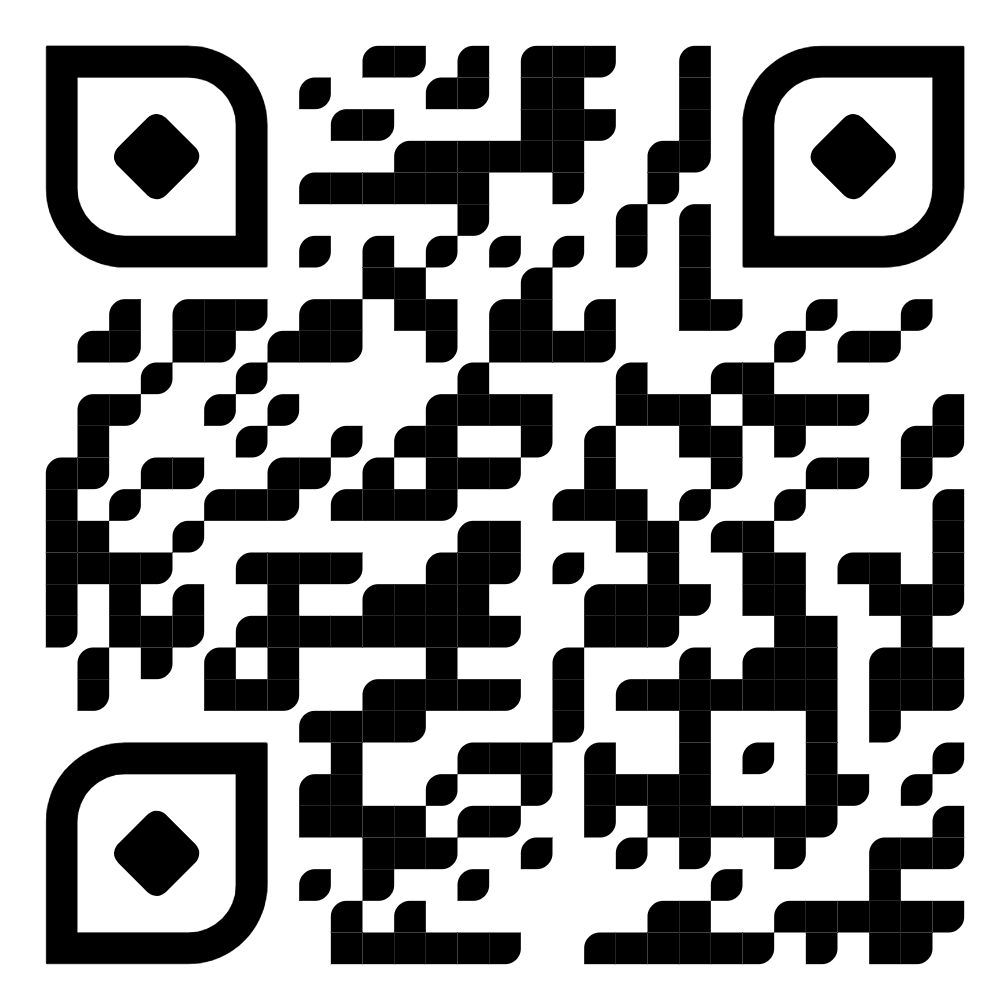
Repository
NISER OpenVault
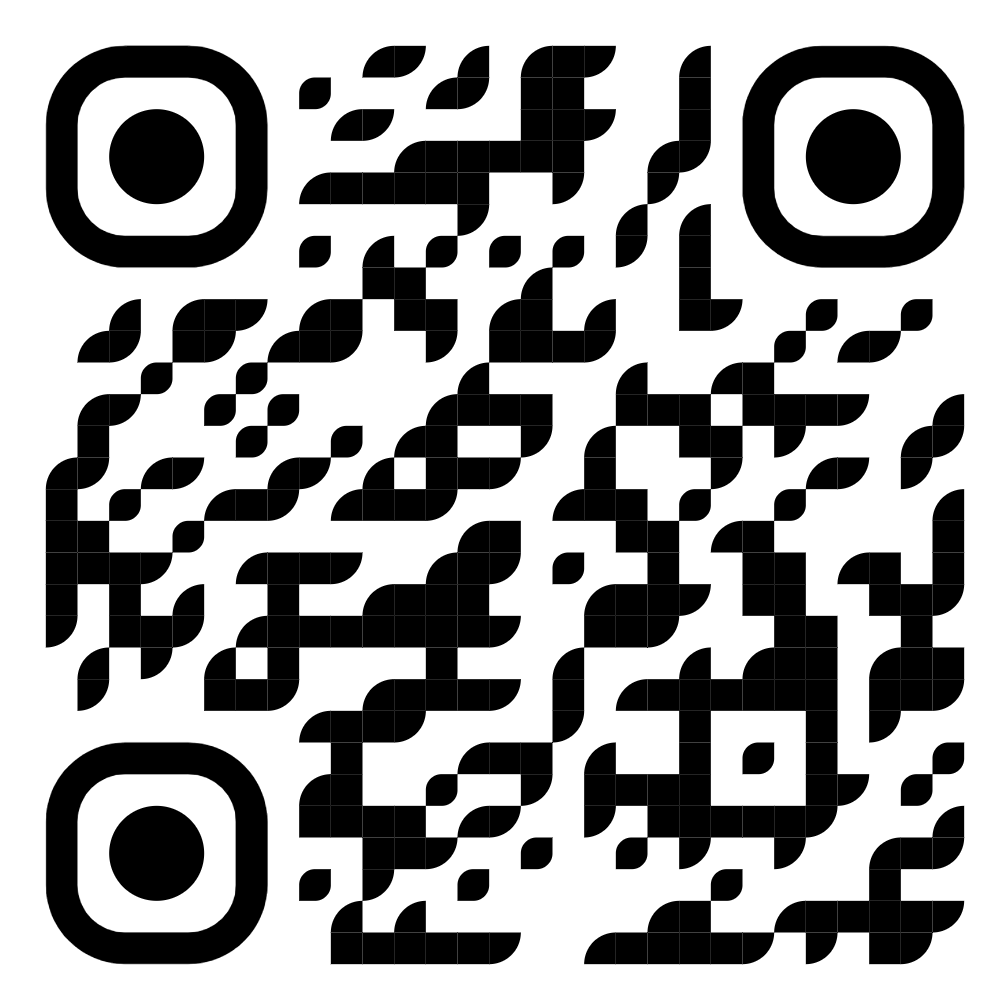
Beta
AI Assistance
